Duos · TWO PHOTOS
AI rap duo video from two photos
You and your favorite person. One studio session with main-character energy.
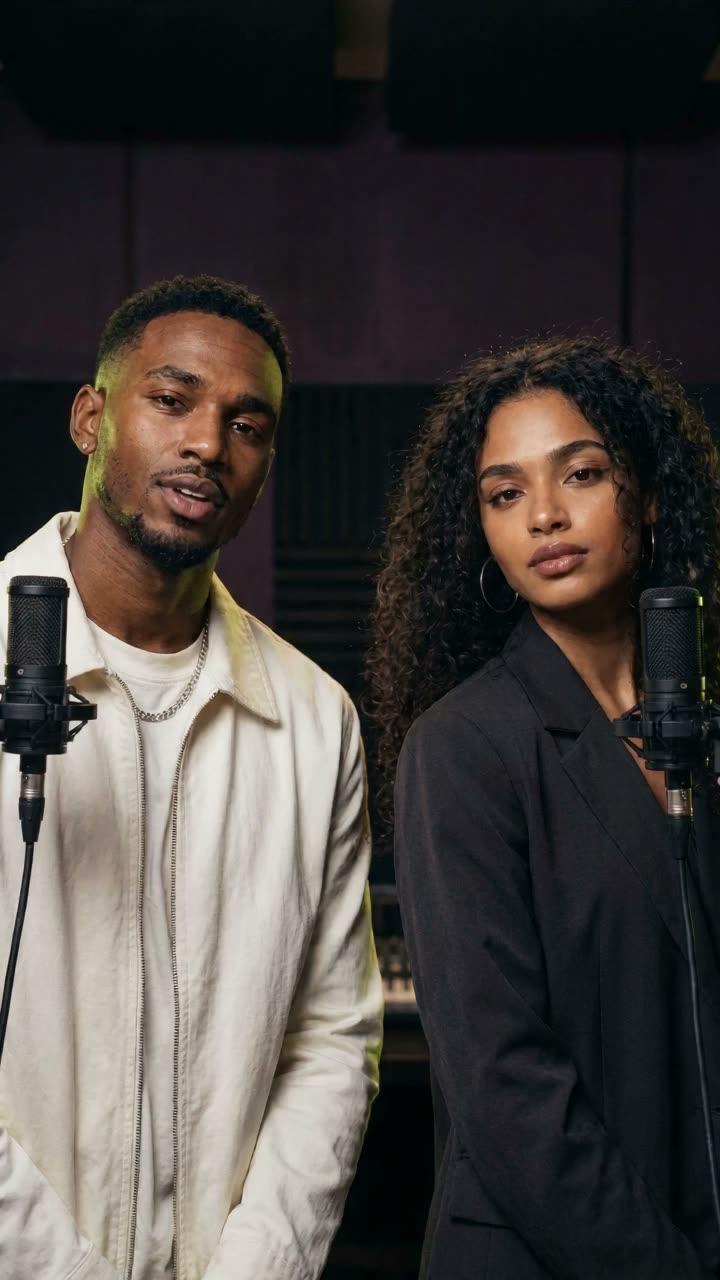 SAMPLE VIDEOAI-generated
Studio bounce
THE CREATIVE DIRECTION
A shared studio session
Make an AI rap duo video with two friends, partners or siblings sharing a neon recording stage. Neon Duo puts separate portraits side by side, with each performer delivering a line of original English rap.
- Photo inputs
- 2 individual photos
- Beat direction
- Studio bounce
- What you get
- A 12-second AI video from your photos
Opens the studio with this template. Generating uses credits.
01 / PREPARE YOUR INPUTS
Start with the right photos
Choose two separate, well-lit portraits with one clear, front-facing face in each. Keep eyes visible and avoid sunglasses, heavy filters or hands covering the face.
- 01
Left performer
Add a portrait of the person you want on the left. Crop loosely around the head and shoulders.
- 02
Right performer
Add a separate portrait of the person you want on the right. Similar lighting makes the two references easier to compare.
Use photos you have permission to upload. Draft photos stay in your browser until you generate; then they are stored privately with that take.
02 / PLAN THE FORMAT
Format choices & current limits
Review the video format and photo requirements before you create.
- Duration options
- 8, 12, or 15 seconds
- Aspect ratio options
- 9:16 vertical · 1:1 square · 16:9 wide
- Resolution option
- 720p
- Audio option
- AI rap vocals and beat
- A group photo does not replace the two individual photo slots.
- Use clear faces and similar lighting. AI-generated expressions, movement and timing can vary between takes.
CREDITS PER TAKE
What a take costs
Each take uses credits by length. Packs start at $7.99, credits never expire, and a failed take returns its credits. Get credits
BEFORE YOU CREATE
Questions about Neon Duo
Do both people need to be in the same photo?
No. Neon Duo has a Left performer slot and a Right performer slot. Use one separate portrait per person so each of you lands on the right side.
Can I choose who performs first?
You choose who stands on the left and who stands on the right. The left performer raps first; verse order and individual voices are not adjustable yet.
What will my AI rap duo video look like?
A 12-second vertical video of the two of you in a neon studio, each delivering a short original rap line over an AI-generated beat. The sample video shows the style; your video uses your own faces.
AI results can vary. Watch each video before sharing and review our Terms for permitted use.
KEEP EXPLORING
More directions for your next moment
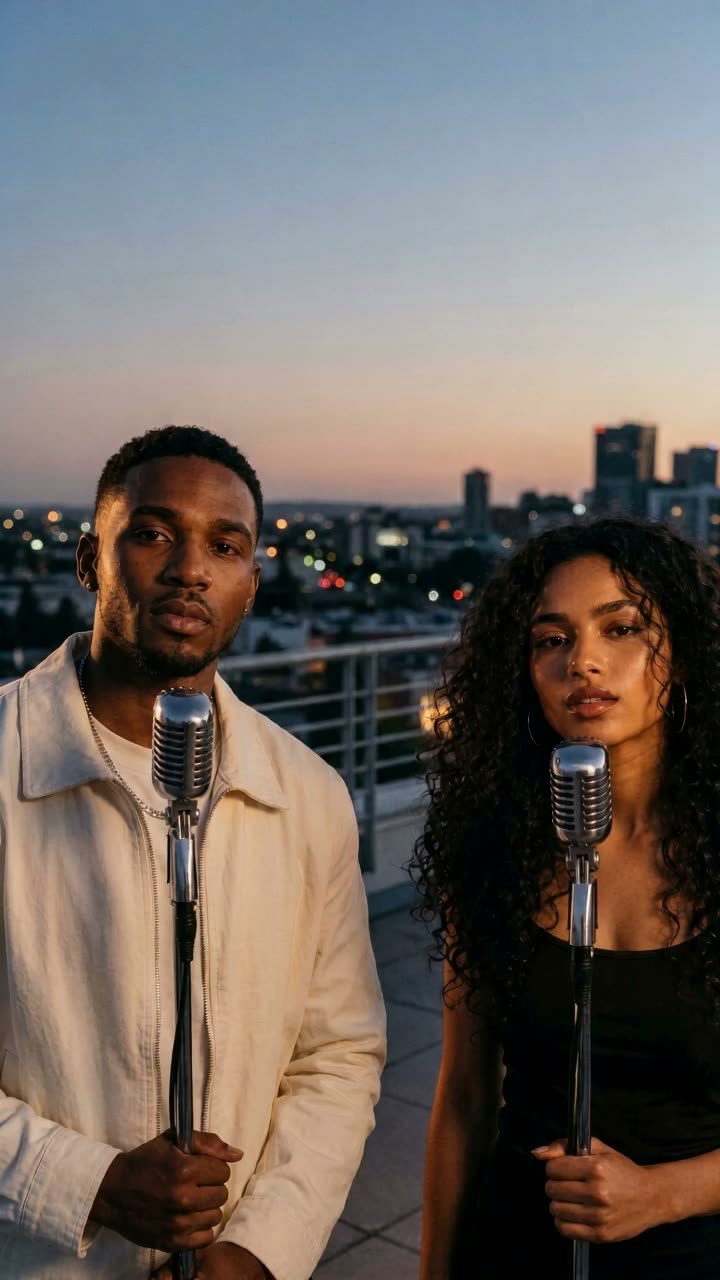
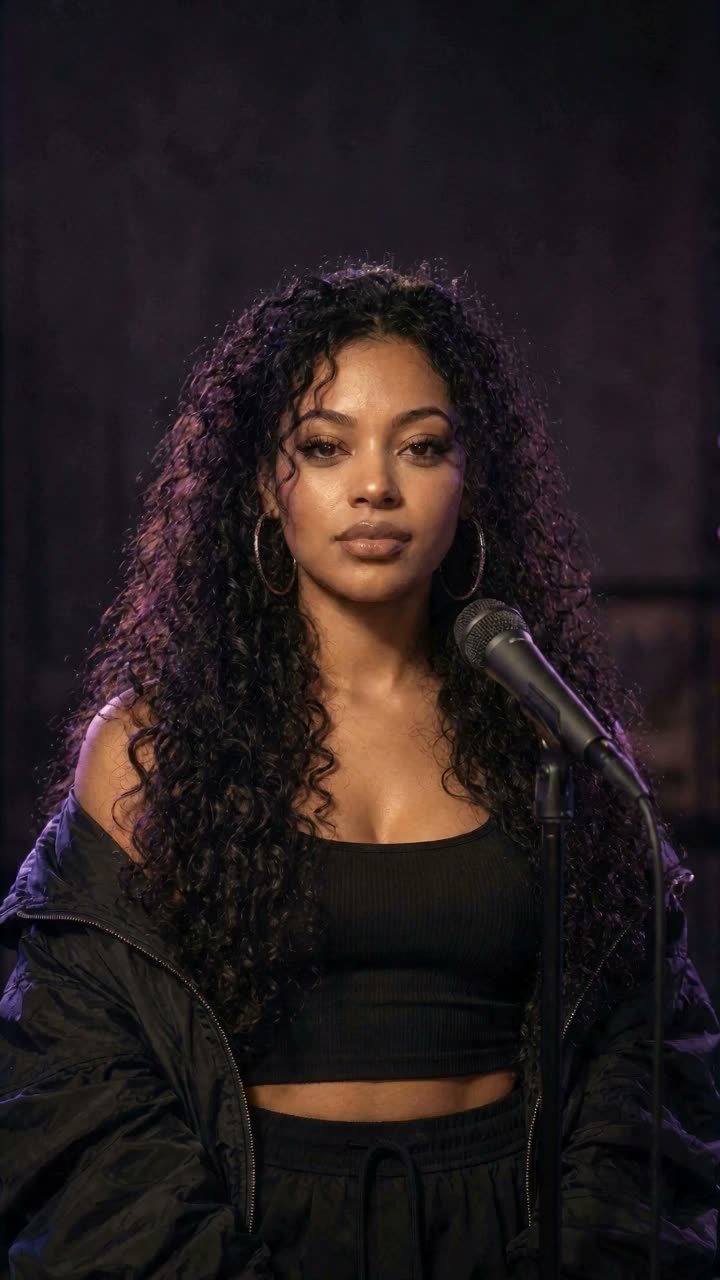

Found your direction?
Make your Neon Duo video.